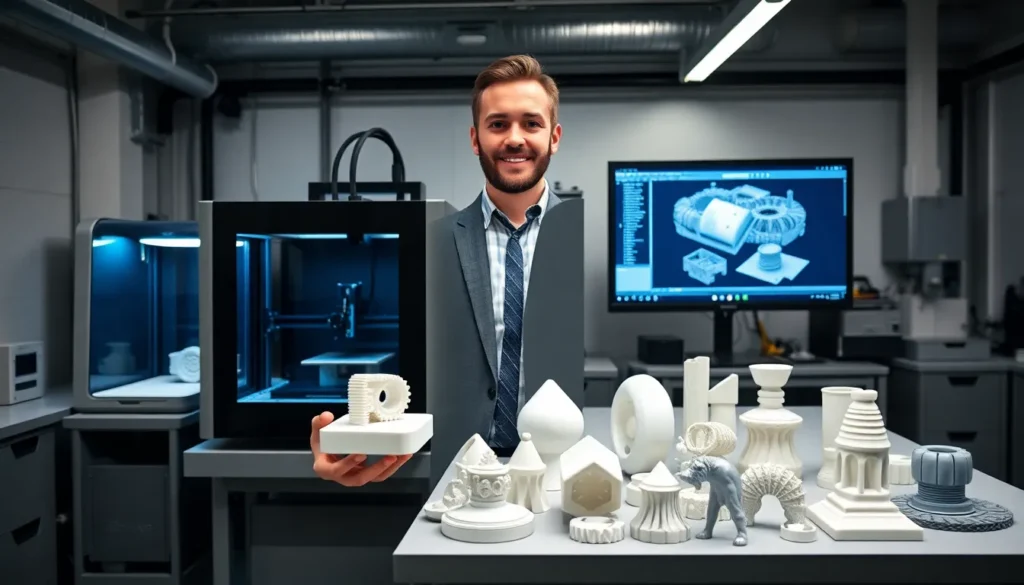
3D printing has transformed how people create physical objects from digital designs. This technology builds items layer by layer, opening possibilities that traditional manufacturing cannot match. From medical implants to aerospace components, 3D printing continues to expand into new industries each year.
The global 3D printing market reached over $18 billion in 2023 and shows no signs of slowing. Hobbyists, engineers, and business owners all find value in this approach to production. Whether someone wants to prototype a product idea or print custom parts at home, understanding 3D printing fundamentals provides a solid foundation.
This guide covers how 3D printing works, the main technology types available, real-world applications, and practical steps for beginners ready to start their first projects.
Table of Contents
ToggleKey Takeaways
- 3D printing builds objects layer by layer from digital designs, using less material than traditional manufacturing methods.
- FDM printers are the most accessible option for beginners, with reliable models starting between $200–$500.
- Major industries like healthcare, aerospace, and automotive rely on 3D printing for custom parts, rapid prototyping, and lightweight components.
- Getting started requires a printer, PLA filament, slicing software like Cura or PrusaSlicer, and patience for trial and error.
- Joining online 3D printing communities on Reddit or Discord helps beginners troubleshoot issues and improve their skills faster.
How 3D Printing Works
3D printing creates physical objects by adding material layer by layer. This process starts with a digital file, typically created in CAD (computer-aided design) software or downloaded from online repositories.
The basic workflow follows these steps:
- Design or download a 3D model – Files use formats like STL, OBJ, or 3MF
- Import the file into slicing software – This program converts the model into printable layers
- Send instructions to the 3D printer – The machine receives a G-code file with precise movement commands
- The printer deposits material – Layer by layer, the object takes shape
- Post-processing – Some prints need support removal, sanding, or curing
Most consumer 3D printers work with thermoplastics that melt at relatively low temperatures. The machine heats this material, pushes it through a nozzle, and traces each layer according to the sliced design. Layer heights typically range from 0.1mm to 0.3mm, thinner layers produce smoother surfaces but take longer to print.
3D printing differs from subtractive manufacturing, where machines cut away material from a solid block. The additive approach wastes less material and allows for internal structures impossible to achieve with traditional methods. A honeycomb infill pattern, for example, creates strong parts while using minimal plastic.
Common Types of 3D Printing Technologies
Several 3D printing technologies exist, each suited to different materials and applications. Here are the most widely used methods:
Fused Deposition Modeling (FDM)
FDM printers melt plastic filament and extrude it through a heated nozzle. This is the most common 3D printing technology for home users due to its affordability and ease of use. Popular materials include PLA, PETG, and ABS. FDM machines start under $200 for basic models.
Stereolithography (SLA)
SLA uses ultraviolet light to cure liquid resin into solid plastic. A laser traces each layer, hardening the resin with extreme precision. This 3D printing method produces smoother surfaces than FDM and works well for detailed miniatures, jewelry, and dental models. Resin printers require more post-processing, including washing and UV curing.
Selective Laser Sintering (SLS)
SLS fuses powder particles using a high-powered laser. This industrial 3D printing process handles nylon, metals, and ceramics. Parts made with SLS don’t need support structures because the surrounding powder holds the object during printing. Aerospace and automotive companies rely on SLS for functional prototypes and end-use parts.
Multi Jet Fusion (MJF)
HP developed MJF technology for fast, accurate production. It applies fusing agents to powder beds, then exposes them to infrared energy. MJF delivers consistent mechanical properties and supports batch production.
Each 3D printing technology has trade-offs between speed, resolution, material options, and cost. Beginners often start with FDM before exploring resin printing.
Popular Applications Across Industries
3D printing applications span dozens of industries. The technology’s flexibility makes it valuable anywhere custom parts, rapid prototyping, or low-volume production is needed.
Healthcare and Medical
Surgeons use 3D printing to create patient-specific anatomical models for surgical planning. Custom prosthetics and orthotics now cost a fraction of traditional options. Dental labs print crowns, aligners, and surgical guides daily. Researchers are even developing bioprinting techniques for tissue engineering.
Aerospace and Automotive
3D printing reduces aircraft component weight while maintaining strength. GE Aviation prints fuel nozzles that previously required 20 separate parts. Car manufacturers prototype new designs in days instead of weeks. Racing teams produce custom aerodynamic components between competitions.
Consumer Products and Fashion
Eyewear companies offer 3D printed frames fitted to individual face scans. Shoe brands print custom midsoles matched to a runner’s gait. Jewelry designers create intricate pieces impossible to craft by hand.
Architecture and Construction
Architects print detailed building models for client presentations. Some companies now print entire house structures using concrete-based materials. A 3D printed home can be completed in under 48 hours of print time.
Education
Schools use 3D printing to teach design thinking and engineering principles. Students build physical prototypes of their ideas, turning abstract concepts into tangible objects.
These 3D printing applications continue expanding as materials improve and printer costs decrease.
Getting Started With 3D Printing at Home
Starting with 3D printing at home requires choosing the right equipment and building fundamental skills. Here’s a practical approach for beginners.
Choose Your First Printer
For most beginners, an FDM printer offers the best balance of cost, ease, and capability. Popular entry-level options include the Bambu Lab A1 Mini, Creality Ender 3 series, and Prusa Mini+. Budget $200-$500 for a reliable starter machine.
Consider these factors:
- Build volume – Larger beds print bigger objects
- Assembly required – Some printers arrive pre-assembled
- Community support – Popular models have active forums and troubleshooting resources
Essential Supplies
Beyond the printer, stock up on:
- PLA filament (easiest material for 3D printing beginners)
- Isopropyl alcohol for bed cleaning
- Scraper or spatula for part removal
- Basic toolkit for maintenance
Learn the Software
Most users start with free slicing software like Cura, PrusaSlicer, or Bambu Studio. These programs convert 3D models into printable files and let users adjust settings like layer height, print speed, and infill density.
For designing original models, Tinkercad provides a simple browser-based option. Fusion 360 offers more advanced features for free to hobbyists.
First Print Tips
Start with test prints included on your printer’s SD card or download popular beginner models from Thingiverse or Printables. Watch your first few prints closely, 3D printing requires some trial and error. Bed adhesion, temperature settings, and print speed all affect results.
Joining online 3D printing communities accelerates learning. Reddit’s r/3Dprinting and manufacturer Discord servers provide quick answers to common questions.