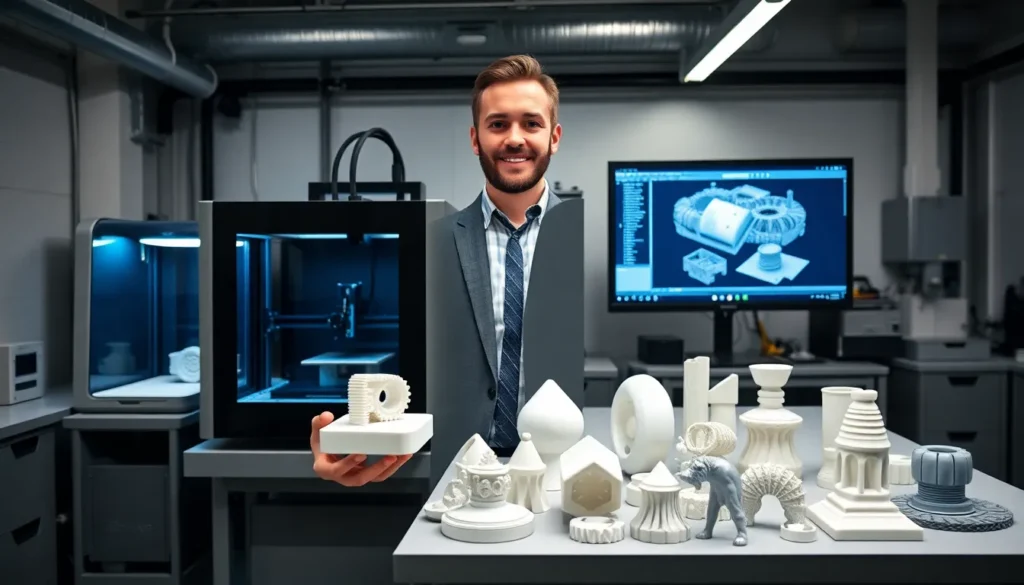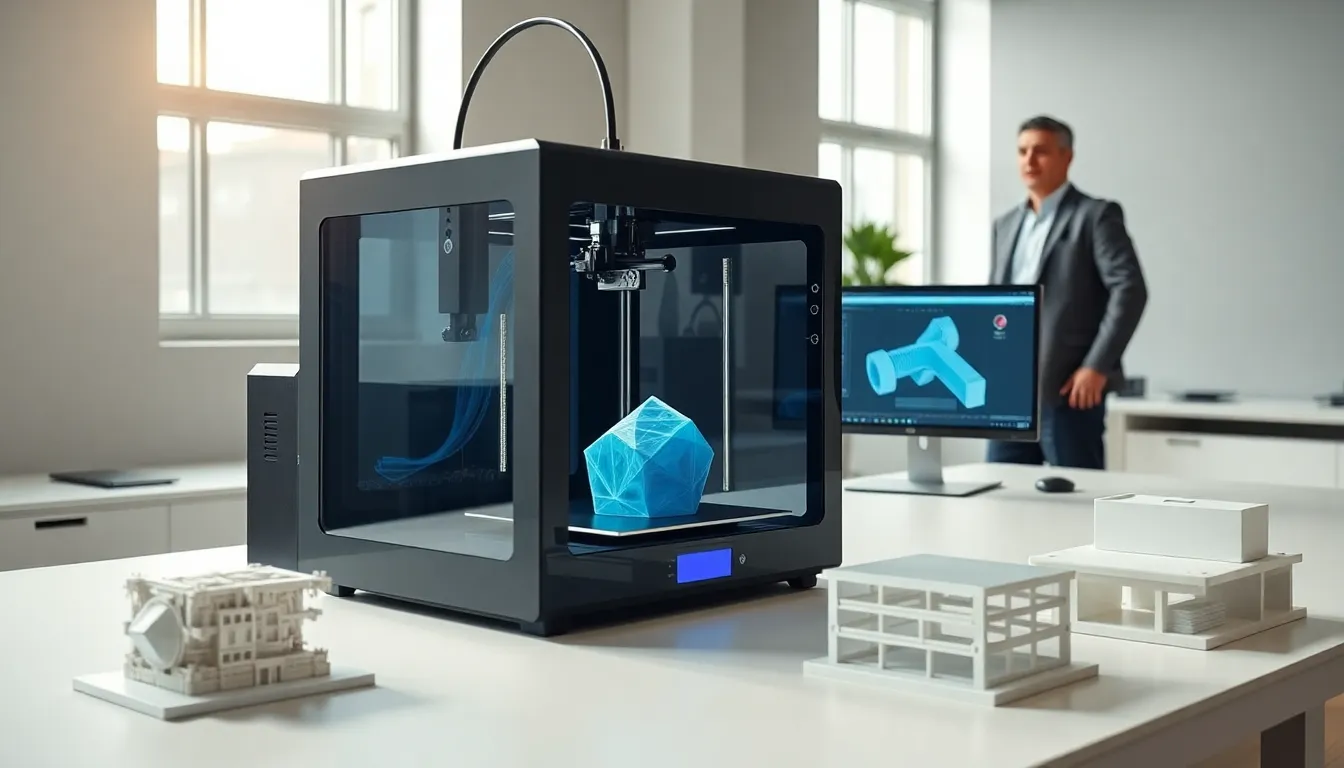

What is 3D printing? It’s a process that creates physical objects from digital designs. A machine deposits material layer by layer until the object takes shape. This technology has changed how people manufacture products, create prototypes, and build custom items.
3D printing started in the 1980s as an industrial tool. Today, it serves hobbyists, engineers, doctors, and architects. The machines range from desktop models under $200 to industrial systems costing millions. Understanding 3D printing opens doors to creative possibilities and practical solutions.
This guide covers the basics of 3D printing for beginners. It explains how the technology works, explores different types of 3D printing, and highlights real-world applications. Readers will also learn about the benefits, limitations, and steps to get started.
Table of Contents
ToggleKey Takeaways
- 3D printing is an additive manufacturing process that builds physical objects layer by layer from digital designs.
- FDM (Fused Deposition Modeling) is the most affordable and beginner-friendly type of 3D printing for consumers.
- Industries like healthcare, aerospace, and manufacturing use 3D printing for custom prosthetics, lightweight components, and rapid prototyping.
- Benefits include customization, reduced material waste, and the ability to create complex shapes impossible with traditional methods.
- Beginners can start 3D printing with an FDM printer under $400, free slicer software, and downloadable models from sites like Thingiverse.
- Expect a learning curve—patience and practice with simple prints will build the skills needed for successful 3D printing.
How 3D Printing Works
3D printing builds objects by adding material in thin layers. This process is also called additive manufacturing. It differs from traditional manufacturing, which often cuts or drills material away from a solid block.
The process starts with a digital 3D model. Users create these models with CAD (computer-aided design) software or download them from online libraries. The model file then goes through slicing software. This software divides the design into hundreds or thousands of horizontal layers.
The 3D printer reads these layers and deposits material accordingly. Most desktop 3D printers use plastic filament. The printer heats the filament until it melts, then pushes it through a nozzle. The nozzle moves across a build platform, laying down one layer at a time.
Each layer bonds to the one beneath it. The build platform lowers slightly after each layer completes. This continues until the printer finishes the entire object. Print times vary from minutes to days, depending on size and complexity.
3D printing requires patience. Small objects might print in an hour. Large or detailed items can take 20 hours or more. The technology rewards planning and precision in the design phase.
Common Types of 3D Printing Technology
Several types of 3D printing exist. Each method suits different materials and purposes.
Fused Deposition Modeling (FDM)
FDM is the most common type of 3D printing for consumers. It melts plastic filament and extrudes it through a heated nozzle. FDM printers are affordable and easy to use. They work well for prototypes, toys, and functional parts. Common materials include PLA and ABS plastic.
Stereolithography (SLA)
SLA uses a laser to cure liquid resin into solid plastic. This method produces smooth, detailed prints. Jewelry makers and dental labs often use SLA printers. The technology creates objects with finer resolution than FDM. But, SLA printers cost more and require careful handling of liquid resin.
Selective Laser Sintering (SLS)
SLS uses a laser to fuse powdered material. The powder can be plastic, metal, or ceramic. This type of 3D printing creates strong parts without support structures. Industrial manufacturers rely on SLS for functional prototypes and end-use components.
Direct Metal Laser Sintering (DMLS)
DMLS prints metal objects by fusing metal powder with a laser. Aerospace and medical industries use this technology. It produces complex metal parts that traditional machining cannot create. DMLS remains expensive and primarily serves industrial applications.
Popular Applications and Industries
3D printing serves many industries today. Its applications continue to expand as the technology improves.
Manufacturing and Prototyping
Companies use 3D printing to create prototypes quickly. Engineers can test designs before committing to expensive production runs. This speeds up product development and reduces costs. Some manufacturers also produce final parts with 3D printing for small batches.
Healthcare and Medicine
Doctors use 3D printing to create custom prosthetics and implants. Surgeons practice complex procedures on 3D-printed organ models. Dental offices print crowns, aligners, and surgical guides. Researchers are even experimenting with 3D-printed tissue and organs.
Aerospace and Automotive
Airplane manufacturers print lightweight components that reduce fuel consumption. Car companies prototype new designs and produce custom tools. Some race teams 3D print parts during competitions for rapid repairs.
Education and Research
Schools teach students design thinking with 3D printers. Science labs create custom equipment. Archaeologists replicate artifacts for study without damaging originals.
Consumer Products and Hobbies
Hobbyists print replacement parts, custom phone cases, and decorations. Artists create sculptures and jewelry. Tabletop gamers print miniatures and terrain. The possibilities grow as more people learn what is 3D printing and how to use it.
Benefits and Limitations of 3D Printing
3D printing offers clear advantages. It also has limitations that users should understand.
Benefits
Customization: 3D printing creates unique objects without extra tooling costs. Each print can differ from the last.
Speed to Prototype: Designers can produce a physical prototype in hours. Traditional manufacturing might take weeks.
Reduced Waste: Additive manufacturing uses only the material needed. Subtractive methods often waste significant raw materials.
Complex Geometries: 3D printing produces shapes that other methods cannot. Internal channels, lattice structures, and organic forms become possible.
Accessibility: Desktop 3D printers cost less than $300. This puts manufacturing capability in homes and small businesses.
Limitations
Print Speed: 3D printing remains slow for large quantities. Injection molding produces thousands of parts faster.
Material Constraints: Most consumer 3D printers use plastics. Industrial machines handle metals and ceramics, but at higher costs.
Surface Finish: FDM prints show visible layer lines. Post-processing like sanding or painting may be needed.
Size Limits: Build volumes restrict object size. Very large items require printing in sections and assembly.
Learning Curve: New users face a learning period. Successful 3D printing requires understanding design principles and machine settings.
Getting Started With 3D Printing
Beginning with 3D printing is easier than ever. A few steps help newcomers succeed.
Choose a Printer
Start with an FDM printer for the best balance of cost and ease. Popular beginner models include the Creality Ender 3 and Prusa Mini. Budget around $200-$400 for a capable machine.
Learn the Software
Download a slicer program like Cura or PrusaSlicer. These free programs convert 3D models into printer instructions. Spend time learning the basic settings: layer height, print speed, and temperature.
Find or Create Models
Websites like Thingiverse and Printables offer free 3D models. Download beginner-friendly designs first. Later, learn CAD software like Tinkercad or Fusion 360 to create original designs.
Practice with Simple Prints
Start with small, simple objects. Calibration cubes and test prints help users learn their machines. Expect some failures, they teach valuable lessons about settings and materials.
Join a Community
Online forums and local maker spaces provide support. Reddit communities like r/3Dprinting answer questions from beginners. Learning from others shortens the path to successful 3D printing.
Patience matters most. The first prints rarely turn out perfect. Each attempt builds skills and understanding of what is 3D printing capable of achieving.