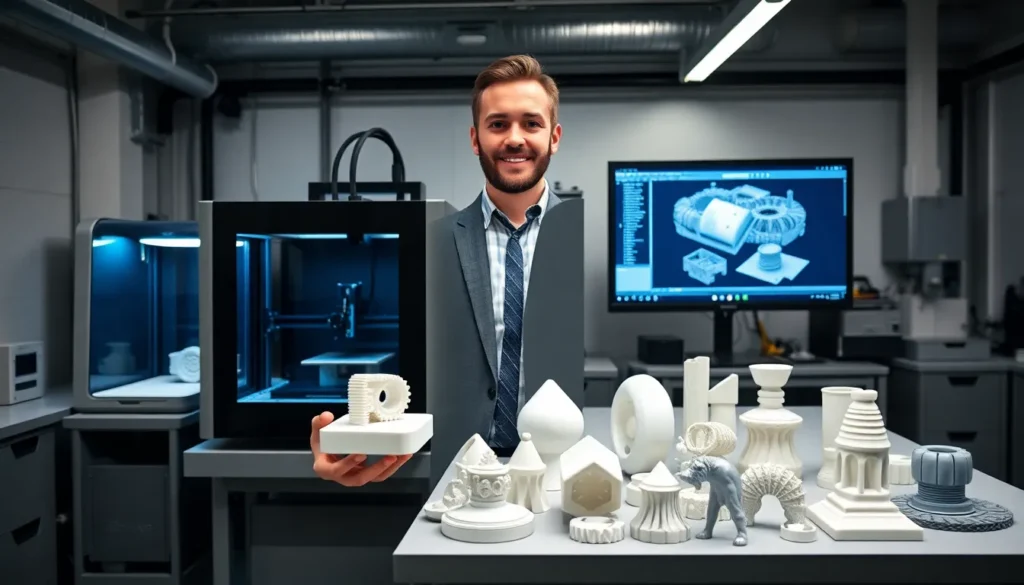
3D printing strategies separate successful projects from frustrating failures. Whether someone prints prototypes for work or creates custom parts at home, the right approach saves time, money, and materials. This guide covers essential 3D printing strategies that improve results across all skill levels. From selecting the best technology to fixing common problems, these practical methods help users achieve cleaner prints and faster production times.
Table of Contents
ToggleKey Takeaways
- Effective 3D printing strategies begin with choosing the right technology—FDM for affordable functional parts, SLA for fine details, or SLS for industrial-strength applications.
- Optimize print settings like layer height (0.1–0.2mm), speed (40–60mm/s), and infill percentage based on whether your project is decorative or load-bearing.
- Design with printability in mind by maintaining wall thickness above 1.2mm, limiting overhangs beyond 45 degrees, and adding 0.2–0.4mm to hole diameters for proper fitment.
- Post-processing techniques like progressive sanding, filler primers, and painting transform raw prints into polished, professional-quality products.
- Troubleshoot common issues systematically—fix bed adhesion with proper leveling, reduce stringing by adjusting retraction settings, and prevent warping by enclosing your printer.
Choosing the Right Printing Technology
The foundation of effective 3D printing strategies starts with technology selection. Three main options dominate the market: FDM (Fused Deposition Modeling), SLA (Stereolithography), and SLS (Selective Laser Sintering).
FDM printers melt plastic filament and deposit it layer by layer. They cost less upfront and work well for functional parts, brackets, and large prototypes. PLA and PETG filaments offer good strength at affordable prices. But, FDM prints show visible layer lines and struggle with fine details.
SLA printers use UV light to cure liquid resin. They produce smooth surfaces and capture tiny features that FDM machines miss. Dental models, jewelry, and miniatures benefit from SLA’s precision. The trade-off? Resin costs more, requires careful handling, and needs post-curing equipment.
SLS printers fuse powder materials with lasers. They create strong parts without support structures since unused powder holds the piece during printing. Industrial applications favor SLS for its material variety and durability. The high equipment cost limits SLS mostly to professional settings.
Matching technology to project needs represents one of the smartest 3D printing strategies available. A hobbyist making phone cases needs different capabilities than an engineer prototyping mechanical assemblies. Consider print volume, surface finish requirements, material properties, and budget when deciding.
Optimizing Print Settings for Quality and Speed
Dialing in print settings transforms average output into professional-quality work. Layer height, print speed, temperature, and infill percentage all affect final results.
Layer height controls surface smoothness and print time. A 0.2mm layer height balances speed with acceptable quality for most projects. Dropping to 0.1mm or 0.12mm improves appearance but doubles print duration. Reserve fine layers for visible surfaces or detailed features.
Print speed affects both quality and adhesion. Faster speeds complete jobs sooner but increase the risk of defects. Most FDM printers perform well between 40-60mm/s for standard work. Slow down to 20-30mm/s for intricate sections or overhangs.
Temperature settings vary by material. PLA typically prints at 190-220°C, while PETG needs 220-250°C. Running too hot causes stringing and oozing. Running too cold creates weak layer bonds. Test temperature towers to find optimal settings for each filament brand.
Infill percentage determines interior density. Decorative items only need 10-15% infill. Functional parts that bear loads require 40-60% or higher. Honeycomb and gyroid patterns offer better strength-to-weight ratios than simple grid patterns.
These 3D printing strategies around settings require experimentation. Every printer behaves differently, and material batches vary. Keep notes on successful configurations for future reference.
Design Considerations for Successful Prints
Good design prevents printing problems before they start. Following proven 3D printing strategies during the modeling phase saves hours of troubleshooting later.
Wall thickness matters more than many users realize. Thin walls below 1.2mm often fail to print solidly on FDM machines. Thicker walls (2mm or more) provide structural integrity and consistent results.
Overhangs challenge every printing technology. Surfaces angled beyond 45 degrees from vertical need support material. Designing parts with built-in chamfers or fillets reduces support requirements. When possible, orient models so critical features face upward.
Bridging, printing horizontally between two points, works up to about 50mm without supports. Longer spans sag or fail entirely. Internal bridges in mechanical parts should stay shorter for reliable results.
Holes and cylinders often print smaller than designed because material expands slightly during cooling. Add 0.2-0.4mm to hole diameters for proper fitment. Test-print calibration cubes with various hole sizes to determine exact compensation needed.
Splitting large models into smaller sections makes printing easier. Joints designed with pins, keys, or interlocking features assemble cleanly. This approach fits big projects on smaller build plates and reduces failure risk.
Post-Processing Techniques That Elevate Your Work
Raw prints rarely look finished. Post-processing 3D printing strategies turn rough outputs into polished products.
Support removal requires patience. Use flush cutters for bulk material and hobby knives for fine cleanup. Needle files smooth attachment points without damaging surrounding surfaces.
Sanding progressively refines FDM prints. Start with 120-grit sandpaper to remove layer lines, then work through 220, 400, and 800 grits for smoother finishes. Wet sanding with higher grits produces near-glass surfaces on PLA.
Filler primers hide remaining imperfections. Apply thin coats, sand between layers, and repeat until surfaces appear uniform. Automotive primer works well and costs less than hobby-specific products.
Painting adds color and protection. Acrylic paints adhere well to most printed materials. Light coats prevent drips and preserve detail. Clear coats seal the finish and add durability.
Resin prints require specific post-processing. Wash uncured resin with isopropyl alcohol or specialized cleaning solutions. UV curing stations harden the material fully and improve mechanical properties. Skip this step, and prints remain tacky and weak.
Vapor smoothing works on certain materials. ABS responds well to acetone vapor, which melts surface layers into a glossy finish. This technique requires safety precautions, acetone fumes are flammable and harmful to breathe.
Troubleshooting Common Printing Issues
Even experienced users encounter problems. Knowing how to diagnose and fix issues ranks among the most valuable 3D printing strategies.
Bed adhesion failures cause prints to detach mid-job. Clean the build plate with isopropyl alcohol. Level the bed carefully, a sheet of paper should drag slightly between the nozzle and surface. Apply glue stick, hairspray, or specialized adhesives if problems persist. Some materials bond better to heated beds at specific temperatures.
Stringing leaves thin wisps of plastic between printed sections. Increase retraction distance and speed. Lower print temperature by 5-10 degrees. Enable coasting settings that stop extrusion slightly before travel moves begin.
Layer shifting creates misaligned sections that ruin prints. Check belt tension, loose belts slip during fast movements. Verify stepper motor connections remain secure. Reduce print speed and acceleration values if mechanical components can’t keep pace.
Under-extrusion produces thin, weak walls with gaps between lines. Increase flow rate by 5-10%. Check for partial nozzle clogs and clean with cold pulls or needle tools. Verify filament diameter matches slicer settings.
Warping pulls corners upward as materials cool and contract. Enclose the printer to maintain consistent temperatures. Use brims or rafts for better plate adhesion. Some materials warp more than others, PLA warps less than ABS.
Systematic troubleshooting saves materials and frustration. Change one variable at a time and document results.